Blockchain · Explainer
What Is a Blockchain Explorer?
A blockchain explorer is a search tool for reading a blockchain’s public records. Learn how to check a transaction, understand its status, and avoid common mistakes without exposing your wallet.
By the HelpfulCoin editorial team · Updated
What is a blockchain explorer?
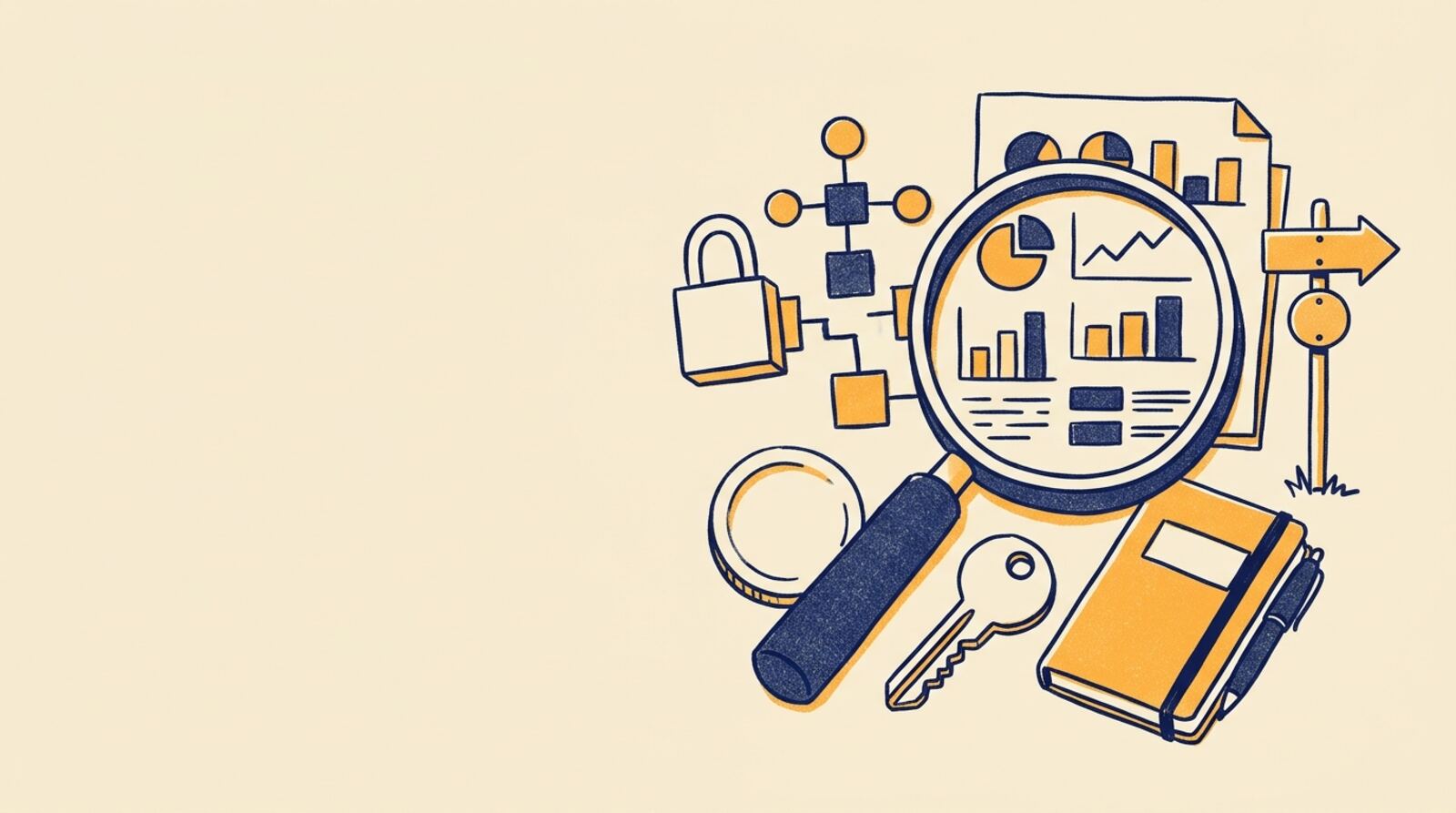
A blockchain explorer is a search tool that lets you read records stored on a particular blockchain. It turns technical data—such as transactions, blocks and wallet addresses—into pages you can search and understand. Think of it as a public ledger viewer, not as a wallet or exchange.
Depending on the network, an explorer can show:
- A transaction’s status, amount, timestamp and fees.
- The block that included it and how many later blocks have been added.
- The assets and recorded activity associated with an address.
- Block details, such as when it was created and which transactions it contains.
- Information about some tokens and smart contracts.
A blockchain is a shared record maintained by a network of computers. An explorer reads information from that record and organizes it for people. It does not usually create a transaction or move funds for you. Most explorers focus on one blockchain, so an Ethereum explorer will not normally show Bitcoin records. Some services support several networks, but each network’s data remains separate.
How does a blockchain explorer work?
A blockchain explorer collects or reads a blockchain’s public records, then indexes them so people can search and filter the information. An index is an organized lookup system: it helps the site find an address or transaction quickly without asking you to scan every block yourself.
When a transaction is broadcast, it may first appear as pending. Network participants then check it against the network’s rules. If it is accepted into a block, an explorer can show that block and update the transaction’s status. As more blocks are added after it, the transaction gains confirmations—the count of blocks including its own and those built on top.
Explorers present data in a convenient format, but they are not the blockchain itself. Their pages can load slowly, have outages, or show delayed or incomplete information. For important checks, compare the transaction on a second reputable explorer for the same network or use information from the network’s official documentation to identify the correct explorer. A search result or familiar-looking design alone is not proof that an explorer is genuine.
Why would you use a blockchain explorer?
A blockchain explorer is useful when you need to check whether a transaction was recorded and what happened to it. It can help answer practical questions after sending crypto, receiving a payment, or interacting with a decentralized app.
For example, you can use one to check whether a transfer is still pending, completed, or failed; confirm which address received funds; see the fee paid; and find the block that contains the transaction. Developers and researchers also use explorers to inspect contract activity and network conditions.
But an explorer only shows what the relevant blockchain records. It usually cannot tell you whether the person behind an address is who they claim to be, whether an off-chain promise was kept, or whether an investment is legitimate. A displayed balance is not a bank statement, and a successful transaction does not mean a product or contract is safe.
Public records can also have privacy consequences. Addresses are pseudonymous, meaning they are represented by codes rather than names, but activity can sometimes be connected to a person through other information. Avoid sharing your address publicly if you do not want others to inspect its history.
How do you check a transaction step by step?
You can check a transaction by searching its transaction ID on an explorer that supports the network it used. A transaction ID, also called a transaction hash or TXID, is a unique identifier for a transaction.
- Identify the network. Check which blockchain your wallet or service used, such as Bitcoin, Ethereum or another network. Similar token names can exist on different chains.
- Copy the transaction ID. Find it in the wallet or service’s transaction history. Copy it directly rather than typing it by hand.
- Choose the right explorer. Use an explorer that supports that exact network. Check the network name carefully before searching.
- Paste the ID into the search box. Open the matching result and check the status, amount, sending and receiving addresses, and fee.
- Allow for confirmation. If it is pending, wait and check again later. If it is marked failed, inspect the details and ask the wallet or service that initiated it for help.
Never share your seed phrase or private key to look up a transaction. An explorer only needs public information such as a transaction ID or address.
What do pending, confirmed, and failed mean?
A pending transaction has been broadcast but has not yet been included in a block, while a confirmed transaction has been included in one or more blocks. The number of confirmations helps show how much additional network history has been built on top of the block containing the transaction.
“Confirmed” does not mean every network treats the transaction as instantly final. Different blockchains use different consensus systems and rules for when transactions are considered sufficiently settled. Some explorers also use labels such as successful, finalized, or failed; their exact meaning depends on the network.
If a transaction is pending, it may be waiting for network processing. Congestion, the fee attached to the transaction, and network-specific rules can affect how quickly it is included. A failed transaction may still have incurred a fee, depending on the blockchain. Do not send the same payment again until you understand the first transaction’s status, or you could pay twice.
For a large or time-sensitive transfer, check the recipient’s requirements for confirmations and use the relevant wallet or service’s guidance. An explorer can show the record, but it cannot promise a particular settlement time.
What can you learn from a wallet address?
A wallet address page shows public activity associated with that address on the selected blockchain. Depending on the network and explorer, it may include incoming and outgoing transactions, token transfers, a displayed balance, and interactions with smart contracts.
A balance shown on an explorer is a snapshot of what that address holds on that network at the time the explorer updates its data. It may not include assets on other blockchains, and a token’s displayed value or name may be incomplete or misleading. Similar-looking tokens can be unrelated, and anyone can create a token on some networks.
Use address pages carefully:
- Confirm that the address is the full one you intended to check; addresses can look similar.
- Make sure the explorer is showing the right chain and asset.
- Treat token names, symbols and logos as clues, not proof of authenticity.
- Remember that a public address can reveal a history of activity to anyone who knows it.
An address page does not identify its owner by itself. A person may control several addresses, and an address may belong to a service or smart contract rather than an individual.
What should you watch out for when using an explorer?
The main risks are using an explorer for the wrong network, trusting misleading token details, and exposing more personal information than intended. Explorers are generally read-only, but fake sites can imitate legitimate ones or try to trick visitors into connecting a wallet or revealing secrets.
Before relying on an explorer:
- Check the domain spelling and use a trusted route to reach the site.
- Confirm the network name before entering an address or transaction ID.
- Never enter a seed phrase, private key or wallet password into an explorer.
- Be cautious if a page asks you to connect a wallet for a basic lookup.
- Do not assume a successful transaction means the recipient, token or smart contract is trustworthy.
- Avoid posting an address publicly if you want to keep its history less visible.
An explorer’s records can help verify that an on-chain event occurred, but they cannot reverse a transaction or recover funds sent to the wrong address. If an explorer shows information that conflicts with your wallet, check the transaction ID and network, then compare with another explorer for that chain before taking action.
What are the most common blockchain explorer mistakes?
A blockchain explorer is a read-only window into the records of a specific blockchain. It is useful for checking transaction status, confirmations, fees and address activity, but it is not a wallet, identity service or safety certification.
Common mistakes include:
- Searching the wrong chain: A transaction will not appear if the explorer is for a different network.
- Treating pending as complete: Wait for the network’s required confirmations before assuming funds are available.
- Resending too soon: Check the original transaction first to avoid accidentally making a duplicate payment.
- Trusting a token by its name or logo: Verify the token’s contract address using a trusted source.
- Sharing an address without considering privacy: Public address activity may be visible to anyone.
- Giving away wallet secrets: No legitimate lookup requires a seed phrase or private key.
The safest approach is to use an explorer to verify public facts, check that you are on the correct network, and seek help from the wallet or service involved if the result is unclear. Treat the explorer as a useful record viewer, not as a recommendation to transact.
Frequently asked questions
Can anyone see my crypto transactions in an explorer?
Usually, yes: most blockchains record transactions and addresses publicly, and explorers make those records easier to read. However, an address is usually a string of characters rather than a person’s name, so public visibility does not automatically reveal who owns it.
What is a transaction ID?
A transaction ID is a unique code for finding a transaction on a blockchain. Paste it into the search box of an explorer that supports the correct network to view its status and details.
Why is my transaction still pending?
A transaction marked pending has been broadcast but has not yet been included in a block. It may take longer because of network congestion or a low transaction fee; whether it can be sped up or replaced depends on the blockchain and wallet.
Does a blockchain explorer prove a transaction is safe?
An explorer is a viewer, not a guarantee that a transaction or project is safe. It can help you verify on-chain activity, but it cannot prove that a recipient is trustworthy, that a token is legitimate, or that a contract is free of bugs.
Do I need to connect my wallet to use an explorer?
No. A blockchain explorer is generally used to search public data and does not need your seed phrase, private key, or wallet password. Never enter those secrets into an explorer, and do not connect a wallet unless you understand why the site needs access.
Mentioned in this guide
dApps in this guide
Common is a self-custodial crypto privacy app; it may be worth researching, but unclear fees and audit scope call for caution.
Keep reading
Related guides
Blockchain · Explainer
What Is a Blockchain and How Does It Work?
A blockchain is a shared digital record that a network maintains according to agreed rules. Learn how blocks, consensus and crypto fit together, what blockchains can and cannot do, and how to avoid common risks.
Blockchain · Explainer
Why Does Blockchain Interoperability Matter, and How Does Lisk Help?
Blockchains often work like separate digital islands, making it hard to move assets and information between them. Lisk tackles part of that problem by using Ethereum-compatible Layer 2 technology, but cross-chain transfers still require care.
Blockchain · Comparison
Cardano vs Solana: Which Blockchain Fits You in 2026?
Cardano and Solana are smart-contract blockchains with different design priorities. Compare how they work, what they cost, where their risks differ and how to choose one for your needs in 2026.
Blockchain · Explainer
What Is a Decentralized Blockchain Platform?
A decentralized blockchain platform is a shared network where independent participants maintain records and, on some platforms, run applications. Learn how it works, what decentralization changes, and how to use one more safely.
Blockchain · Explainer
What Is a Blockchain Platform and How Does It Work?
A blockchain platform is a network and software environment for recording transactions and, often, running applications. Learn how its parts fit together, what platforms are used for, and how to assess one before connecting a wallet.
Blockchain · Explainer
What Is a Blockchain? Examples and How It Works
A blockchain is a shared digital record that multiple computers update according to agreed rules. Learn how blocks are checked and linked, see examples such as Bitcoin and Ethereum, and understand what blockchains can—and cannot—do for payments, apps and real-world records.
Blockchain · Explainer
What Is a Crypto Miner and How Does Mining Work?
A crypto miner uses computing power to help secure certain blockchains, confirm proposed transaction blocks and, in some networks, earn rewards. Mining applies to proof-of-work coins such as Bitcoin—not every cryptocurrency.
Blockchain · Explainer
What Does ThunderCore’s New Brand Identity Mean?
ThunderCore’s new brand identity is a change in how the project presents itself, not proof that its blockchain or token has changed. Here’s what the announcement means for users, how ThunderCore works, and what to check before trying its apps or bridge.